
 Reed Jason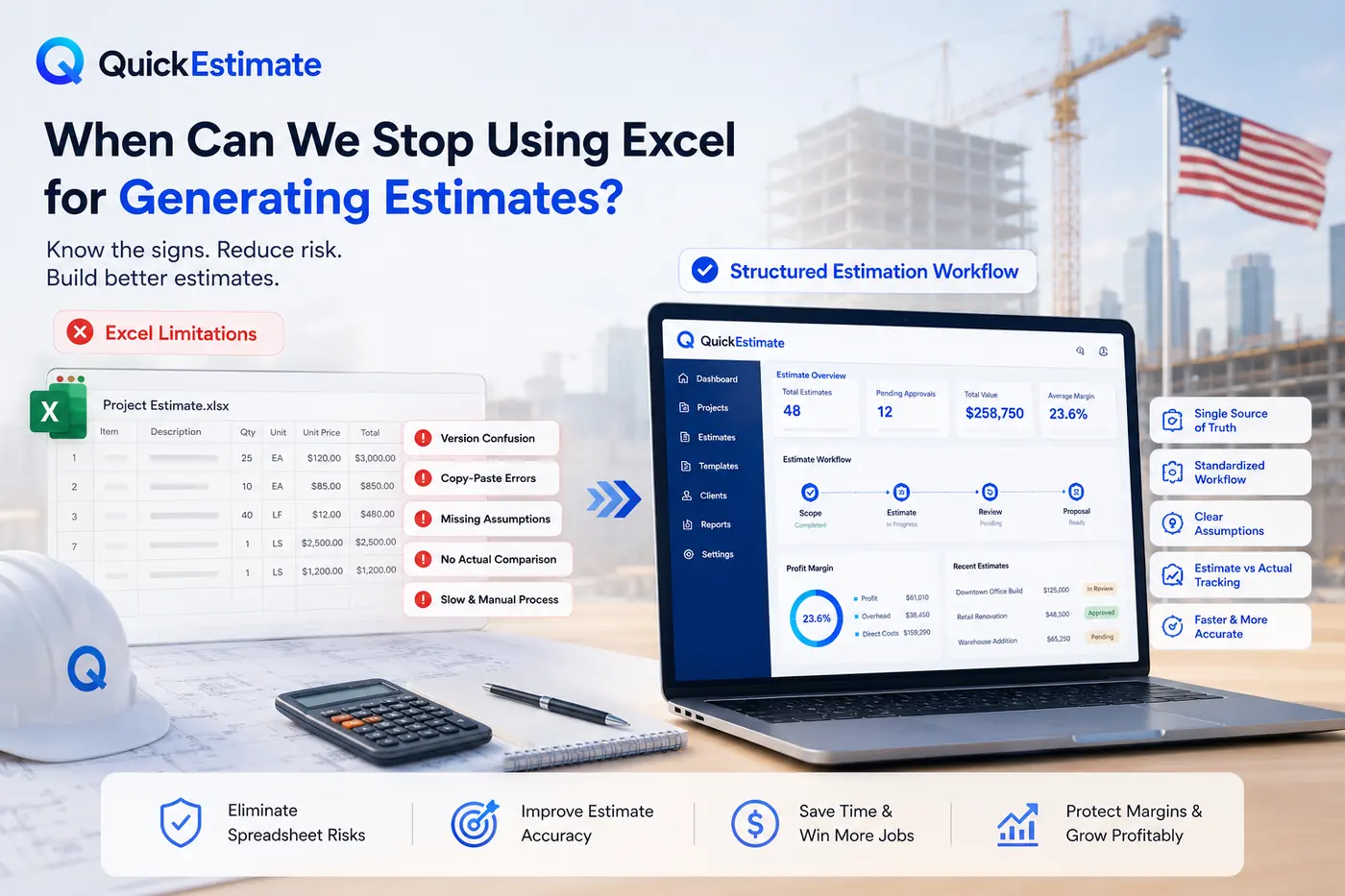
Excel has long been the default tool for generating construction estimates. It works well in the early stages of a business because it is flexible, familiar, and inexpensive. However, as teams, projects, and project complexity grow, spreadsheets often become a hidden source of estimation errors, delays, version confusion, and profit leakage.
The real challenge is not whether Excel is “good” or “bad.” The important question is understanding the point where spreadsheets stop supporting accurate estimating and begin creating operational risk for growing construction businesses.
68%
3×
22%
0
Why Excel Works in the Early Stages
In early-stage operations, Excel performs well because projects are simpler, estimation requirements are manageable, and only one or two people are usually responsible for preparing estimates.
Smaller businesses often succeed with spreadsheets because estimates are less complex, project volume is lower, and errors are easier to detect before they become expensive problems.
- Projects are relatively small and low-risk
- One person usually owns the complete estimate
- Project volume is still manageable
- Errors are easier to identify and correct
- Estimating workflows are still informal and flexible
These conditions change rapidly as teams grow, project complexity increases, and more stakeholders become involved in the estimating process.
Sign 1: Multiple People Editing the Same Estimate
Version control becomes a serious operational risk when estimates are duplicated into multiple spreadsheet files, shared through email, and edited by several people simultaneously.
Confusion over which spreadsheet version is final often leads to incorrect pricing, outdated assumptions, and inaccurate estimates being sent to clients for approval.
Once multiple estimators, project managers, or sales staff begin working inside the same estimating workflow, spreadsheet-based collaboration becomes difficult to control reliably.
Sign 2: Dependency on Copy-Paste Estimating
Reusing old spreadsheets is common practice in construction estimating. However, when formulas, assumptions, and pricing are manually copied between files, hidden estimation errors begin accumulating over time.
Outdated formulas remain hidden
Old spreadsheet logic often survives for years unnoticed, even when business costs, labor rates, and estimating standards have changed significantly.
Pricing assumptions slowly drift
Material pricing and labor burden rates copied from previous projects frequently become inaccurate without structured updates or validation.
Errors become difficult to trace
Once copied across multiple spreadsheets, formula mistakes and broken logic become extremely difficult to detect before projects begin.
Sign 3: Assumptions Are Not Documented
When important estimating assumptions exist only inside emails, phone calls, or informal conversations, the estimate becomes difficult to review, audit, or improve later.
Every estimate should clearly document scope assumptions, exclusions, site conditions, pricing limitations, and pending confirmations directly inside the estimating workflow.
- Document all scope inclusions and exclusions
- Record site assumptions and access limitations
- Track pending subcontractor confirmations
- Define estimate validity periods clearly
- Store all assumptions in a centralized workflow
Sign 4: No Estimate vs Actual Tracking
As construction businesses grow, understanding estimate accuracy becomes essential. Without comparing estimated costs against actual project results, the same estimating mistakes repeat continuously across projects.
| Estimating Process | What Happens | Result |
|---|---|---|
| No estimate vs actual tracking | Mistakes repeat with no visibility | Profit leakage continues |
| Manual spreadsheet comparison | Requires significant manual effort | Inconsistent analysis |
| Structured tracking workflow | Estimates continuously improve over time | Better forecasting accuracy |
| Software-enforced reporting | Historical project data becomes actionable | Long-term margin protection |
Sign 5: Estimation Is Slowing Down Operations
When estimates begin taking too long to prepare, review, revise, and approve, spreadsheets stop being a productivity tool and start becoming an operational bottleneck.
Delayed estimates often lead to delayed approvals, missed opportunities, rushed decisions, and project execution disagreements later in the workflow.
Excel usually does not fail suddenly. Instead, estimates slowly become less accurate, harder to trust, and more time-consuming to manage as project volume increases.
What Moving Beyond Excel Really Means
Replacing spreadsheets is not simply about adopting new software. It means moving the estimating process from an individual-driven activity into a structured, repeatable workflow that entire teams can follow consistently.
In mature estimation systems:
- All estimation steps are standardized
- Ownership and approval stages are clearly assigned
- Scope assumptions are consistently documented
- Estimate review processes are enforced
- Estimate vs actual tracking becomes measurable
Excel may still remain useful for analysis and reporting. However, it should no longer act as the single source of truth for generating business-critical estimates.
The Real Question to Ask
The decision is not really about spreadsheets versus software. The real question is about operational risk.
If your estimating process depends heavily on individuals, lacks consistency, cannot be audited properly, or becomes difficult to scale across teams, then Excel is no longer supporting business growth effectively.
At that stage, moving to a structured estimation workflow becomes necessary — not optional.
Frequently Asked Questions
Contractors should consider moving beyond Excel when multiple people are editing estimates, project complexity increases, estimate errors become harder to detect, or estimation workflows begin slowing down sales and operations.
Excel is not inherently bad for estimating. It works effectively for smaller operations and simple workflows. Problems usually appear when businesses scale and spreadsheets become difficult to manage collaboratively and consistently.
Common risks include version-control issues, broken formulas, outdated pricing assumptions, undocumented scope details, inconsistent review processes, and limited estimate tracking capabilities.
Yes. Many businesses continue using Excel for reporting, analysis, or specialized calculations. However, structured estimation software usually becomes the primary system for generating and managing estimates consistently.