
 QuickEstimate Team
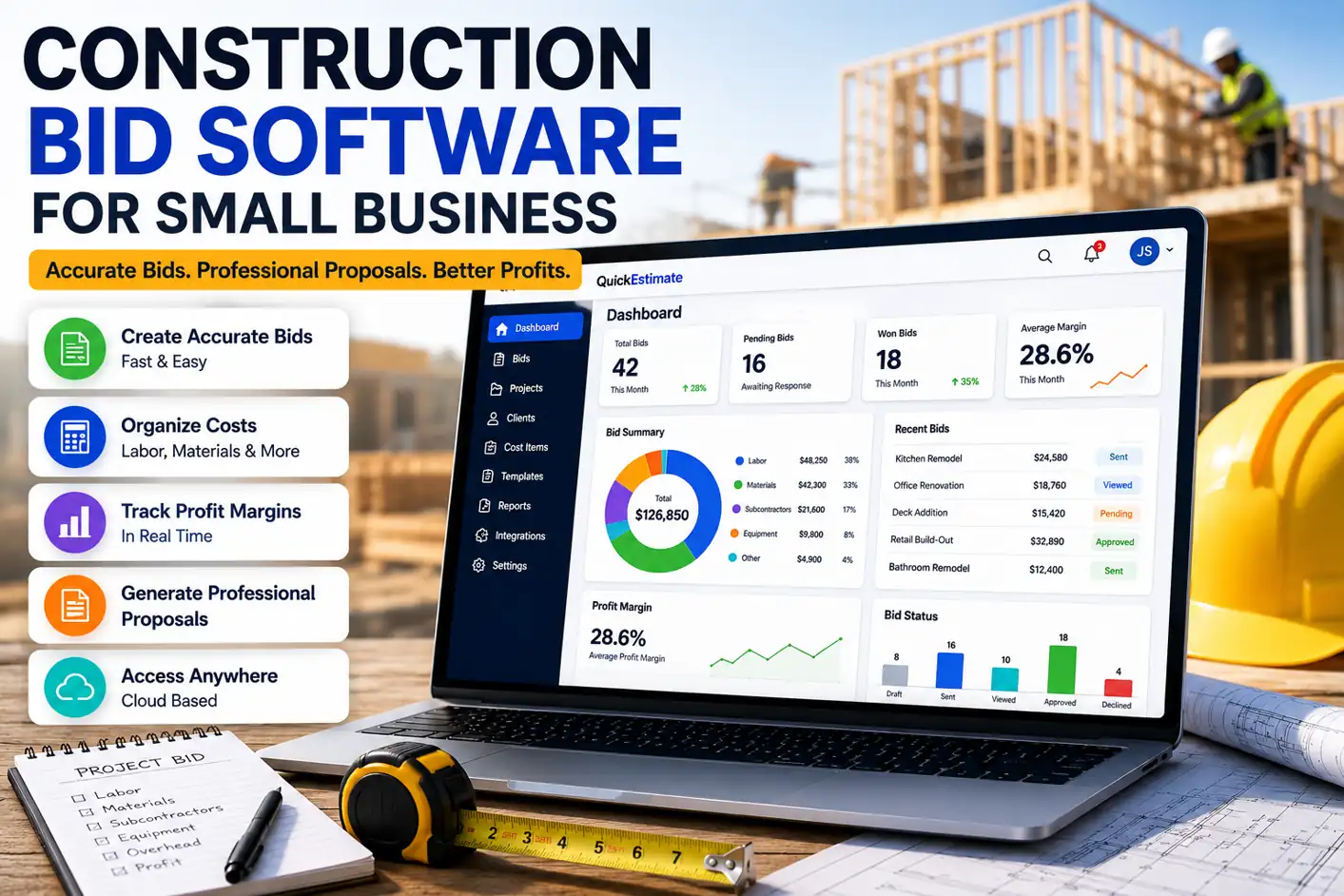
The right construction bidding software depends on which part of bidding you need help with. If you need to find jobs to bid on, look at PlanHub or ConstructConnect. If you need takeoffs from plans, look at STACK. If you want scheduling and job costing as well, look at JobTread, Projul or Contractor Foreman. If you already have the work and need to price it and send a proposal, QuickEstimate is built for that.
We make QuickEstimate, so read our entry with that in mind. We took the other tools’ prices and features from their own websites on November 7, 2026. Prices are in US dollars and can change, so confirm them before you buy.
Construction bid software compared
| Tool | Best for | Starting price | Free option | Takeoff from plans | Find bids or invite subs | Online signing |
|---|---|---|---|---|---|---|
| PlanHub | Finding commercial bids and inviting subs | $1,999 a year for subs (50-mile radius). Free access for general contractors | Yes, free tiers | Listed on Premier or as an add-on | Yes | Not listed |
| ConstructConnect | Project leads and takeoff | Project leads $129 a month per market, per seat. Takeoff priced separately | Guided trial on some products | Yes | Yes | Not listed |
| STACK | Takeoff and estimating | Takeoff & Estimate from $299 a month per user | Free version of Takeoff & Estimate | Yes | Bid management mentioned | Not listed |
| Contractor Foreman | All-in-one on a smaller budget | $49 a month billed annually, 1 user. $139 billed monthly, up to 3 users | 30-day trial | Yes | Sends bid invites | Listed for change orders |
| JobTread | Running the whole job | $199 a month plus $20 a month per internal user | No free trial. 30-day money-back on monthly plans | Listed | Bid requests | Yes |
| Projul | Running the whole company | $199 a month billed annually, up to 3 users | Not listed | Field takeoffs on Pro only | Not listed | Core plan and up |
| QuickEstimate | Pricing jobs and sending proposals | Free for 5 sent proposals a month. Paid from $29 a month | Free plan and 14-day trial | No | No | Yes |
“Not listed” means we didn’t find it on the pages we read, not that the tool can’t do it. Ask the vendor if it matters to you.
The four things “bidding software” can mean
These tools get grouped together, but many of them do different jobs. Most small contractors need only one or two of these.
1. Finding work and managing invitations. These tools connect you to projects out for bid, or help a general contractor send invitations to subs. They suit commercial work, where jobs go out to bid. If your jobs come from referrals and homeowners calling you, you probably don’t need this.
2. Takeoff from plans. These tools measure quantities from digital drawings. They save the most time if you bid from plan sets regularly.
3. Pricing and proposals. These tools turn your costs into a price and send it to the client to approve. This is where most residential and small trade contractors spend their bidding time.
4. Running the whole job. These platforms add scheduling, purchase orders, job costing and invoicing. They cost more and take longer to set up, but they can replace several separate tools.
The tools, one by one
PlanHub calls itself a commercial construction bidding platform. General contractors get free access, and subcontractors and suppliers get a free Basic tier, with paid plans for more. It makes sense if you want more commercial work to bid on.
ConstructConnect combines project leads, takeoff and bid management. You can buy leads and takeoff separately, and lead pricing is per market and per seat, so the cost grows with the area you cover. It’s built for contractors bidding commercial work across several markets.
STACK focuses on takeoff and estimating, and has a separate plan for field and project management. Its free version is a low-risk way to try takeoff. Start here if measuring from plans is what slows you down.
Contractor Foreman is an all-in-one platform with takeoffs, bid invitations and project management tools. It has the lowest starting price of the all-in-one tools here, though the $49 plan is for one user and billed annually. It’s a good fit if you want a lot of tools on a small budget.
JobTread is construction management software for builders, remodelers and specialty contractors. It covers bid requests, takeoff and eSignatures, and it doesn’t offer a free trial. It’s a better fit if you want one system for the whole job. We’ve written up how it differs in QuickEstimate vs JobTread.
Projul covers CRM, estimating, scheduling, invoicing and job costing at a flat rate up to each plan’s user limit. eSignatures start on the Core plan, at $399 a month billed annually. It suits a growing team that wants to run the whole company in one tool.
QuickEstimate is the one we make. You enter your own quantities and costs, and it adds your overhead and profit margin to the price. You then send a proposal that your client can approve and sign online, see when they’ve opened it, and the price locks once it’s accepted. Paid plans add your own logo and colors and remove the QuickEstimate badge. It suits small contractors who want overhead and margin built into every price, without a full management platform. See how it works on our construction bidding software page.
It isn’t the right fit for everyone. It doesn’t find projects to bid on, send invitations to subs or do takeoffs from plan files. It also doesn’t do scheduling, purchase orders or job costing.
How to choose
- Write down where your last few bids got stuck. Finding the job, measuring it, pricing it or getting it signed each point to a different tool.
- Try it on a job you’ve already priced. Enter a past job in two or three tools and compare the time taken and the price you get.
- Work out the real cost. Check per-user, per-market and add-on charges, and whether the price you saw requires annual billing.
- Send one to yourself. Open the proposal on your phone, the way your client would.
Frequently asked questions
It’s software that helps contractors with bidding: finding jobs, measuring plans, pricing the work, or sending a proposal and tracking the response. Most tools focus on one or two of these.
Many can, but not all. Tools built for finding bids may focus on submitting bids rather than client proposals. If you need branded proposals your client can sign online, check for that specifically before you buy.
It depends on your work. Commercial subs who need more jobs should look at bid networks. Contractors bidding from plans should look at takeoff tools. Residential and small trade contractors who already have leads usually get more from a pricing and proposal tool.
Among the tools above, starting prices run from free plans to $299 a month per user. Some charge per market or per user on top, and higher plans can cost far more: Projul’s Pro plan is $1,199 a month billed annually, and one ConstructConnect plan starts at $10,000 a year.
For pricing and proposals, usually yes. A spreadsheet can price a job, but it won’t send a proposal, show you when it’s been opened, or collect a signature. See our Excel vs estimating software guide for more.